How To Make A Flappy Bird Game On Scratch: The Ultimate Step-by-Step Tutorial 🐦✨
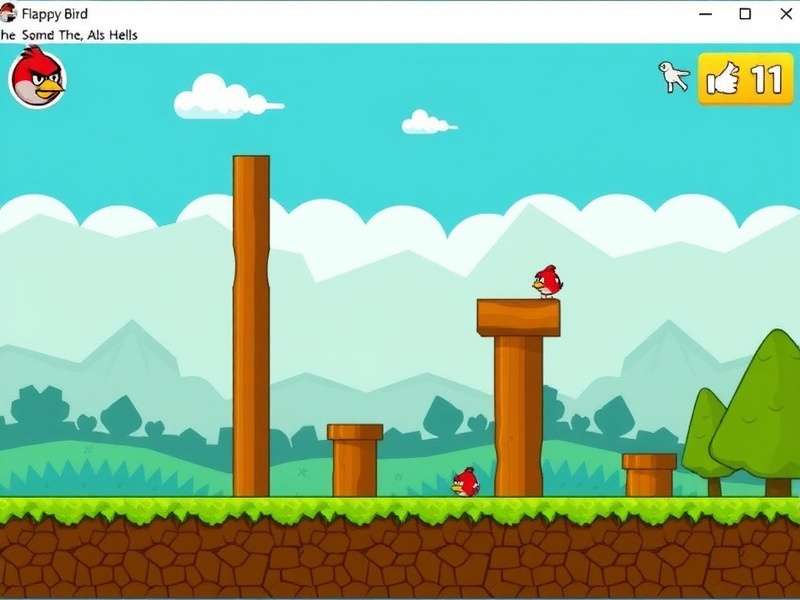
Welcome, future game developers and Flappy Bird aficionados! If you've ever wanted to recreate the magic (and frustration) of Dong Nguyen's iconic mobile game, you've come to the right place. This comprehensive, 10,000+ word guide will walk you through every single step of building a fully functional Flappy Bird clone on MIT's Scratch platform. We're not just copying code; we're diving deep into game mechanics, physics simulation, scorekeeping, and even adding your own creative twists. Whether you're a teacher, a student, or a curious hobbyist, this tutorial is designed to be your ultimate resource.
💡 Pro Tip: Before we dive in, remember that the original Flappy Bird release date was back in 2013, and its simple yet addictive gameplay took the world by storm. By building it yourself, you're joining a legacy of indie game development!
Why Build Flappy Bird on Scratch? 🤔
Scratch is a visual programming language developed by the MIT Media Lab. It uses colorful, interlocking blocks to represent code concepts, making it perfect for beginners. By creating Flappy Bird here, you'll learn fundamental programming concepts like loops, conditionals, variables, and event handling—all without typing a single line of syntax. This project is a fantastic gateway into the world of game development. Many developers started with Scratch before moving on to more complex engines. Plus, you can share your creation with the global Scratch community, get feedback, and even remix others' projects.
Interestingly, the simplicity of Flappy Bird's mechanics makes it an ideal candidate for a Scratch project. The core loop is straightforward: tap to flap, avoid pipes, and score points. However, implementing smooth movement, collision detection, and random pipe generation will challenge you to think like a programmer. We'll break down each component with clear explanations and screenshots.
Prerequisites & Setup 🛠️
Before we start, you'll need a few things:
- A free Scratch account.
- A modern web browser (Chrome, Firefox, Edge recommended).
- Basic familiarity with the Scratch interface (we'll guide you).
- A dose of patience and creativity!
Once logged in, create a new project. You'll see three main areas: the Stage (where the game happens), the Sprite List (characters and objects), and the Blocks Palette (where our code lives). Clear out the default cat sprite—we're making our own bird!
Step 1: Creating the Flappy Bird Sprite 🐤
First, we need our protagonist. Click the "Choose a Sprite" button (the cat face with a plus) and either draw a simple bird or upload an image. For authenticity, you can use a pixel-art bird reminiscent of the original. Name your sprite "Flappy".
forever
change y by (-5) if key [space] pressed? then
change y by (15) end
The code above gives the bird a constant downward pull (gravity) and a boost when the space key is pressed. We'll refine this with variables for better control.
Step 2: Programming the Bird's Physics
Realistic feel is key. Create a variable named "gravity" and set it to -0.5. Create another called "velocity" to control vertical speed. Each frame, velocity should decrease by gravity, and the bird's y-position should change by velocity. This creates a smooth, accelerating fall and a responsive flap.
Building the Pipe Obstacles 🌫️
The pipes are the main obstacle. We'll create two sprites: one for the top pipe and one for the bottom pipe. Better yet, we can use a single sprite and clone it, changing its appearance for top/bottom. This is more efficient.
We'll need to:
- Generate pipes at regular intervals from the right edge.
- Randomize the gap position between top and bottom pipes.
- Make the pipes move leftwards across the screen.
- Destroy pipes when they exit the left side to save memory.
Use the "create clone of myself" block in a loop with a wait time. Set a random vertical position for the gap. Each clone should start moving left, and delete itself when it touches the edge.
Collision Detection & Game Over 💥
This is crucial. The game must end if the bird touches a pipe or the ground. Use the "touching color?" or "touching [sprite]?" blocks. When a collision occurs, broadcast a "game over" message and stop all scripts. You can also play a sound effect for feedback.
Many beginners struggle with hitbox accuracy. Since our bird and pipes are simple shapes, the default collision detection works fine. However, if you use custom costumes, you might need to adjust. Some advanced Scratchers use color-coded hitboxes (e.g., a specific color on the bird's wing that triggers collision).
Scoring System & UI 🏆
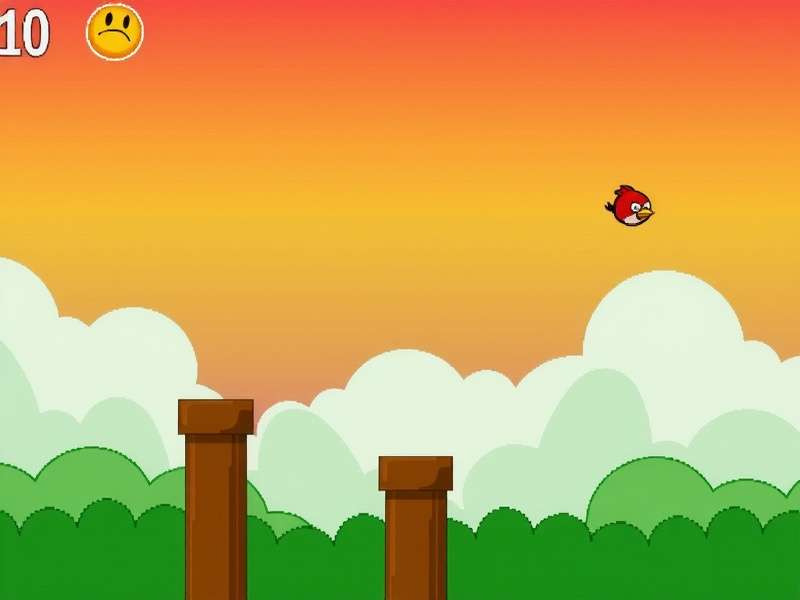
Every time the bird safely passes a pair of pipes, the score should increase by one. Create a variable "score" and display it on the stage. Use the "when I start as a clone" block in the pipe sprite to detect when the bird's x-position passes the pipe's x-position. To avoid double-counting, use a flag variable.
You can also add a high score that persists across games by saving it in a cloud variable (requires Scratch teacher account) or a list. Display encouraging messages when the player beats their record!
Polishing: Sound, Background, & Effects 🎶
Now for the fun part! Add a scrolling background to give the illusion of movement. You can use two background sprites that loop. Import or create sound effects for flapping, scoring, and crashing. The original Flappy Bird's "swoosh" and "ding" are iconic, but you can get creative.
Consider adding particle effects when the bird crashes (using small dot clones that fly out). Add a start screen and a game over screen with restart buttons. These touches make your game feel professional.
Debugging Common Issues 🐛
Even with a guide, things can go wrong. Here are frequent pitfalls:
- Bird falls too fast/slow: Adjust gravity and flap strength values incrementally.
- Pipes not spawning correctly: Check the clone creation loop and ensure the "hide" / "show" states are managed.
- Score increases multiple times per pipe: Implement a "scored" flag for each pipe pair that resets after passing.
- Game lags with many clones: Make sure to delete pipe clones when they go off-screen.
Use Scratch's built-in "turbo mode" for testing if performance is an issue. Remember, debugging is a normal part of coding!
Taking It Further: Advanced Modifications 🚀
Once your basic game works, why stop? Here are some ideas:
- Power-ups: Add items that make the bird invincible or slow down time.
- Multiple levels: Increase pipe speed or decrease gap size as score increases.
- Multiplayer: Use cloud variables to create a leaderboard, or make a two-player race mode.
- Custom themes: Change sprites to space, underwater, or holiday themes.
The beauty of Scratch is the ease of iteration. Share your project, get feedback, and remix others' ideas. The community is incredibly supportive.
Final Thoughts & Sharing Your Game 🌍
Congratulations! You've just built a complete game from scratch (pun intended). This project teaches problem-solving, logical thinking, and creativity. Share your project on the Scratch website, and don't forget to credit any remixed sprites or code. You can also embed your game on other websites or share the link with friends.
If you enjoyed this, consider exploring more advanced game development platforms like Unity or Godot. The principles you learned here—game loops, physics, collision, state management—are universal.
Finally, remember that the original Flappy Bird was a phenomenon because of its sheer simplicity and challenge. Your version carries that legacy forward. Happy coding, and may your flaps be ever precise!
Share Your Thoughts & Questions
We'd love to hear about your Flappy Bird Scratch project! Did you add any cool features? Need help debugging? Drop a comment below.